30 Oct 2026
Post by Gabriel
Introduction
Laptops with DVD readers are more relevant than they might appear. Whether it’s enjoying a beloved DVD collection, accessing legacy software, or needing a physical backup and storage solution, a DVD reader in a laptop provides unique value. For both enthusiasts and professionals, finding the right laptop with this capability is essential. This guide examines why laptops with DVD readers remain a wise choice and showcases the best selections available in 2024.

Why Choose a Laptop with a DVD Reader?
While digital and cloud storage solutions have become prevalent, DVDs remain crucial for many users. Here is why opting for a laptop with a DVD reader could be advantageous:
-
Physical Media Playback: A DVD reader lets you play DVDs directly, offering access to movies, music, and software that aren’t readily available online. For those with extensive DVD libraries, this is a crucial feature.
-
Archiving and Backup: DVDs provide an excellent medium for data backup and archiving. Laptops with DVD burners enable users to save data on discs, preserving important files even if digital or cloud services fail.
-
Legacy Software Support: Older business and educational software often come on DVDs. Without a DVD reader, accessing these programs can be challenging.
These advantages illustrate why choosing a laptop with a DVD reader is a smart choice for users with specific needs. However, not all laptops featuring these capabilities are created equal, which brings us to the best models available in 2024.
Best Laptops with DVD Readers in 2024
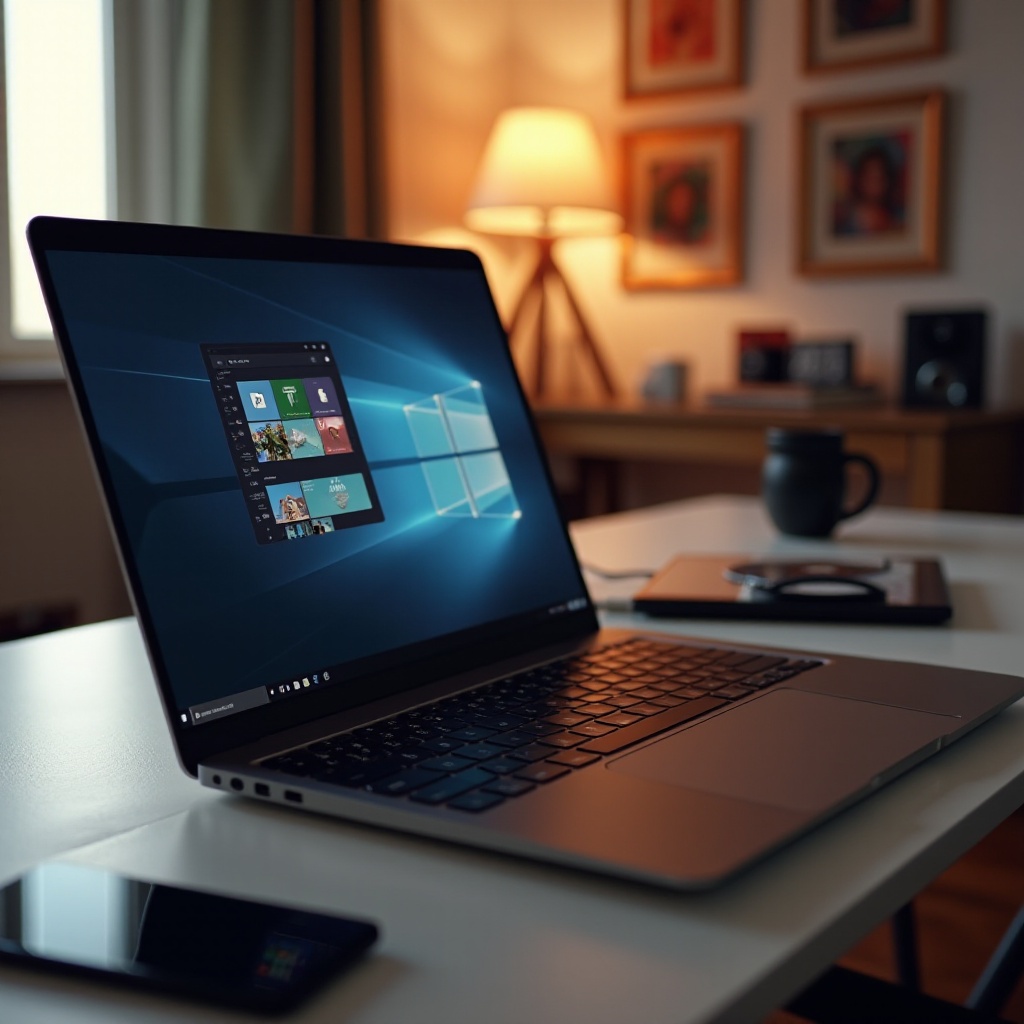
Selecting a laptop with a DVD reader requires understanding your priorities. Below are top choices that combine performance with functionality:
- Laptop 1: Dell Inspiron 15 3000 Series
-
The Dell Inspiron 15 3000 is a versatile machine that balances performance, storage, and affordability. It features a DVD reader/writer essential for media playback and disc-burning tasks, equipped with a 15.6-inch display, 8GB RAM, and a 256GB SSD.
-
Laptop 2: HP Pavilion 17
-
Known for its expansive 17-inch display, the HP Pavilion 17 pairs its screen real estate with a versatile DVD drive supporting different disc formats. This laptop is ideal for entertainment and professional use, offering an Intel Core i5 processor and a dedicated graphics card.
-
Laptop 3: Lenovo ThinkPad E570
- The Lenovo ThinkPad series, known for reliability, includes the E570 model with a DVD drive, perfect for business users needing access to CDs and DVDs. Its sturdy build and efficient performance make it a solid choice.
While these options are among the best, individual needs regarding screen size, processing power, and storage capacity should guide your decision.
Key Features to Consider When Buying
When selecting a laptop with a DVD reader, consider these features:
-
Performance: A decent processor (Intel Core i5 or higher) and at least 8GB RAM are crucial for smooth multitasking.
-
Storage: Assess both SSD and HDD options. While SSDs offer speed, HDDs provide extensive capacity, complementing DVD storage capabilities.
-
Display Size and Quality: Screen size and resolution depend on primary use—multimedia or business—generally, a 15.6-inch display offers a balance between portability and usability.
-
Portability: A lightweight design is essential for frequent travelers.
Evaluating these aspects ensures your choice of a laptop meets both your functional and logistical needs.
Benefits of Having a DVD Reader in Your Laptop
Integrating a DVD reader/writer into your laptop provides practical benefits that include classic and modern utilities:
-
Diverse Media Consumption: Benefit from engaging with a wide range of media, from vintage DVDs to new formats, without additional external devices.
-
Reliable Backup Options: DVDs offer a dependable offline backup solution, especially when internet reliability or cloud services are compromised.
-
Cost Efficiency: Gain access to affordable software and media, crucial for educational and economic scenarios where physical formats persist.
These benefits highlight the enduring practical value of DVD capabilities for those with traditional needs amid today’s digital evolution.
Conclusion
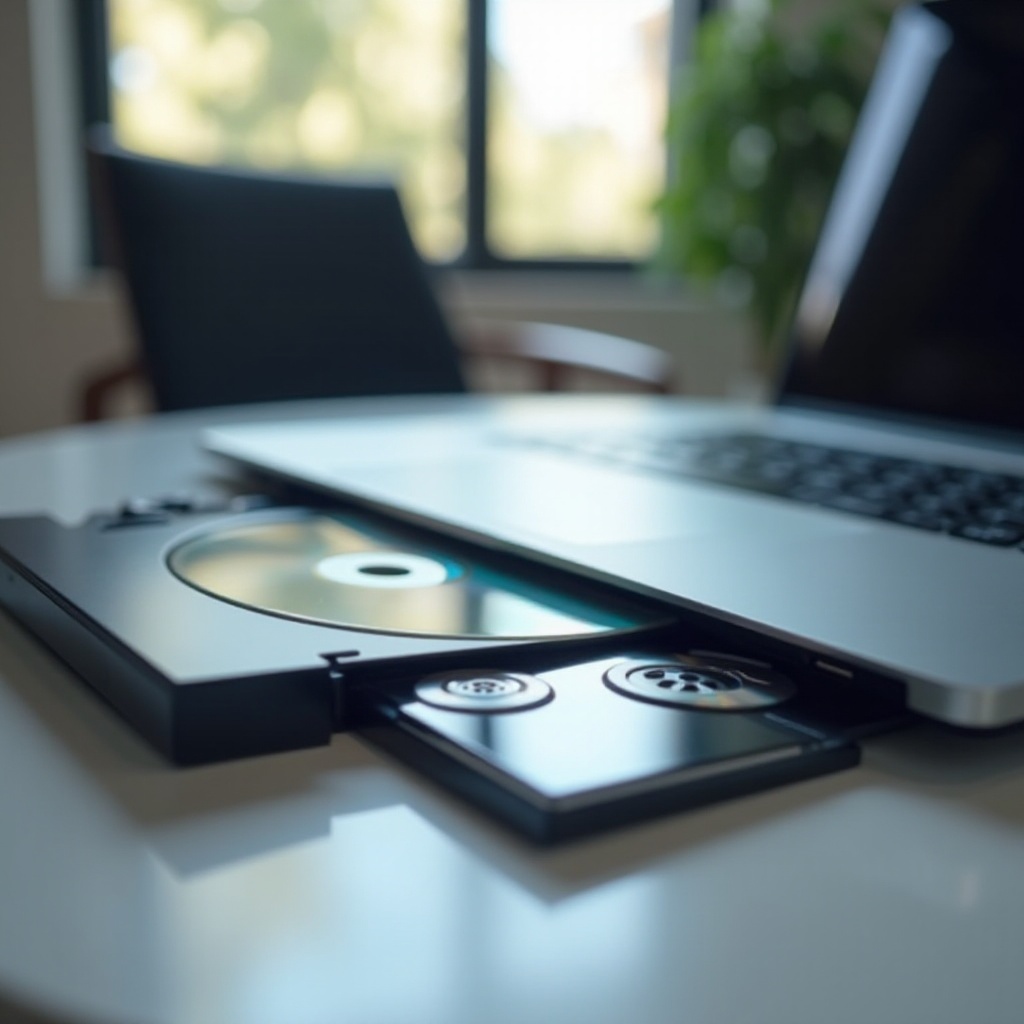
In 2024, laptops with DVD readers may serve niche segments, yet their importance and practical benefits remain invaluable to users needing specific functionalities. From media accessibility to backup solutions, these laptops adeptly address various demands. Future readiness involves embracing timeless technology with emerging trends, and the featured options reflect this harmony. Whether prioritizing performance, storage, or size, there’s a suitable solution to meet your requirements.
Frequently Asked Questions
What should I look for in a laptop with a DVD reader?
Seek a balance between a powerful processor and adequate RAM, opt for generous storage options, and ensure the display caters to your preferences.
Can I upgrade my current laptop to include a DVD reader?
Some laptops allow external DVD drive attachments via USB, offering convenience without internal modifications.
Are laptops with DVD readers more expensive?
Not necessarily; costs align more with overall specifications rather than the inclusion of a DVD reader.